Introduction
Reading and previewing files shouldn’t require heavy software installs, slow apps, or device limitations. Whether you want to read a book PDF, open a DOC/DOCX document, or quickly preview a file before sharing it—browser-based tools are the fastest and simplest solution.
That’s why we deployed two powerful tools on GamesAndTools:
Reader Tool – built for reading books and documents (PDF, DOC/DOCX, and more). Click
All Reader Tool – built for previewing many different file types, including images, programming/code files, and .PUB files. Click
You can access them here: Reader Tool: https://gamesandtools.com/reader/
All Reader Tool: https://gamesandtools.com/software/all-reader/
Tool #1: Reader Tool (Books, PDFs, DOC/DOCX & More)
If your main goal is to read (not just preview) documents in a clean layout, the GamesAndTools Reader is designed for you.
What you can do with the Reader Tool
- Read books and eBooks in a distraction-free interface
- Open and read PDF files online
- View Word documents like DOC/DOCX
- Use it on mobile, tablet, and desktop without installing apps
Why this tool is helpful
- Fast reading experience: optimized for long-form reading
- Student-friendly: ideal for study notes, assignments, research papers
- Work-friendly: quickly read office documents from any device
- No installation: works directly in your browser
Best use cases
- Reading PDF books and study materials
- Reading DOC/DOCX files for office tasks
- Opening a document quickly when you’re away from your main device
Try it here: https://gamesandtools.com/reader/
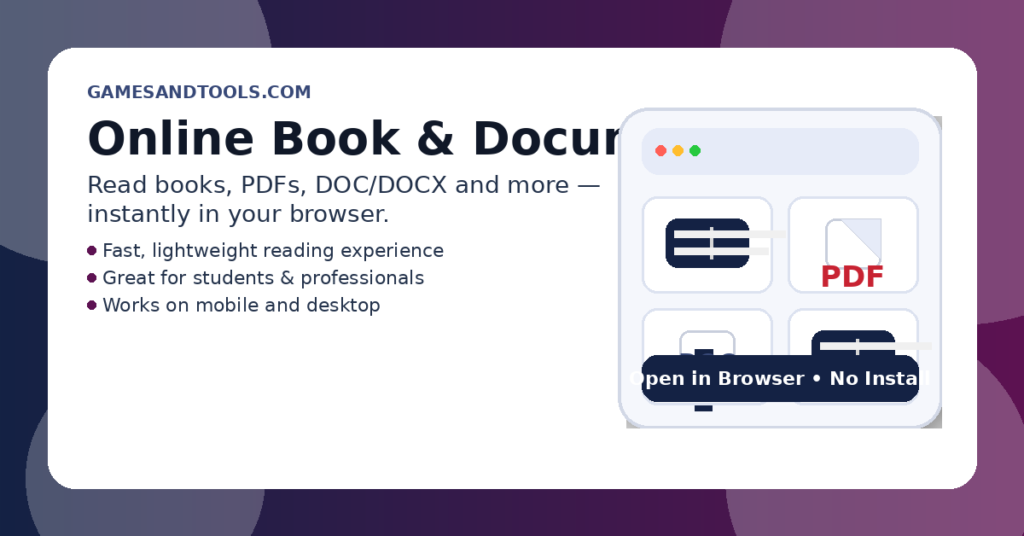
Tool #2: All Reader Tool (Universal File Viewer)
Sometimes you don’t just deal with documents—you handle images, source code files, design assets, and uncommon formats. That’s where All Reader becomes extremely useful.
What you can do with All Reader
- Preview images (common image formats)
- View programming/code files (great for developers and learners)
- Open .PUB files (Microsoft Publisher files)
- Preview many other file types in one place
Why All Reader is different
- All-in-one file preview: one tool for many formats
- Time-saving: preview files quickly before downloading, sharing, or editing
- Perfect for teams: helps when someone sends you a file you can’t open easily
- Great for learning: view code files without needing an IDE
Best use cases
- Previewing images and media assets
- Reading code snippets/files while learning or reviewing
- Opening .PUB files without hassle
- Checking unknown files before you forward or store them
Try it here: https://gamesandtools.com/software/all-reader/
Reader vs All Reader: Which One Should You Use?
Use Reader Tool if you want:
- A focused reading experience for books + PDFs + DOC/DOCX
- Clean layout for long reading sessions
- A simple, fast document reader
Use All Reader if you want:
- A universal file viewer
- Support for images + code + .PUB + many formats
- Quick preview of different file types in one tool
FAQs
Is this an online PDF reader?
Yes—Reader Tool is an online solution that helps you read PDFs in your browser without installing software.
Can I open DOC/DOCX files online?
Yes—Reader Tool supports opening and reading Word documents like DOC/DOCX.
Can I preview programming files?
Yes—All Reader can preview code/programming files, making it useful for developers and students.
Do you support .PUB (Publisher) files?
Yes—All Reader supports viewing .PUB files, which many tools don’t handle easily.
Do I need to install anything?
No—both tools are browser-based. No installation is required.
Final Words (CTA)
If you need a clean tool to read books, PDFs, and Word documents, use the Reader Tool.
If you need a powerful universal file viewer to preview images, code files, .PUB, and more—use All Reader.
Start now:
Reader Tool: https://gamesandtools.com/reader/
All Reader Tool: https://gamesandtools.com/software/all-reader/



Leave a Reply